


A sharper face for an Australian digital icon.
- Client
- Taguchi
- Location
- Melbourne, VIC
- Program
- Reposition & Refresh
- Deliverables
- Strategy, Branding, Web design, Motion
The work
Inside the relaunch.





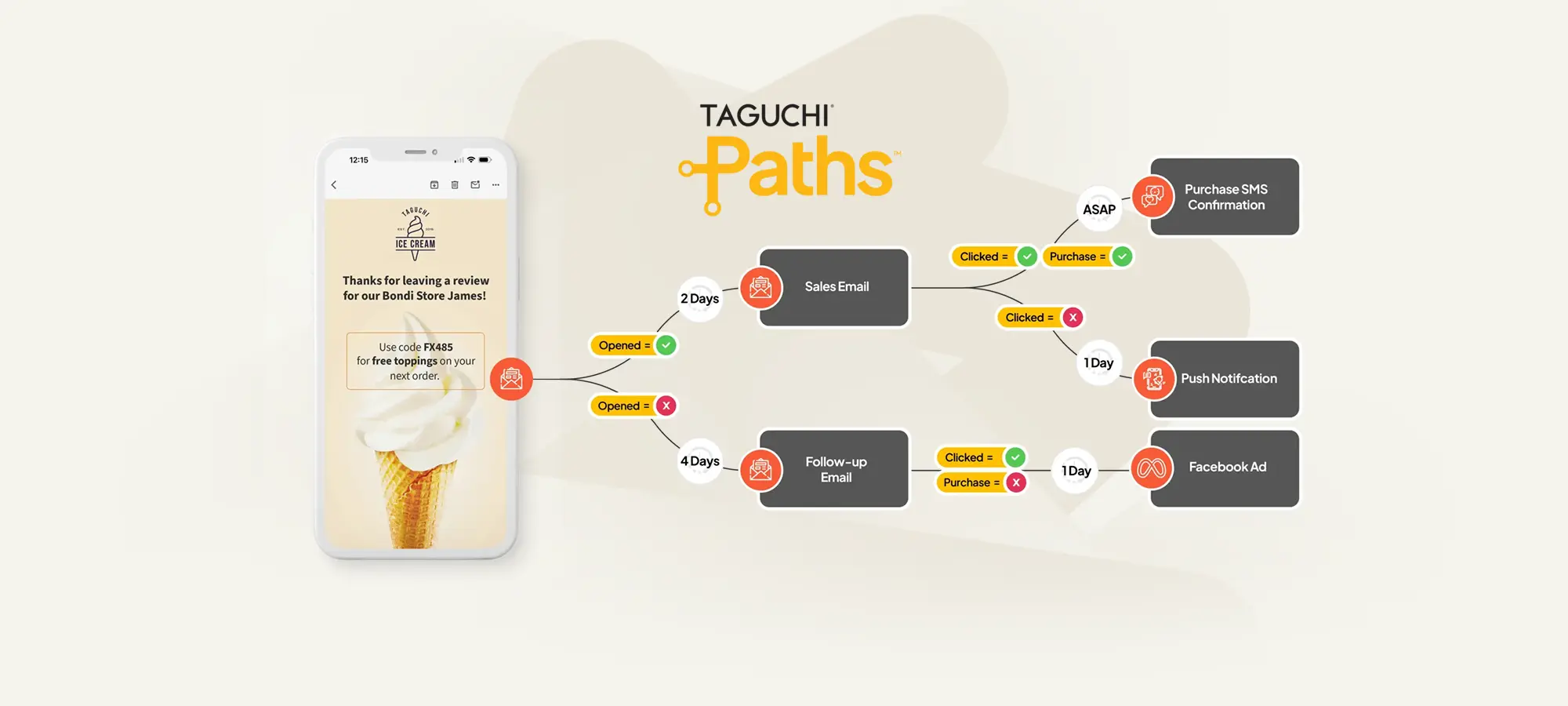
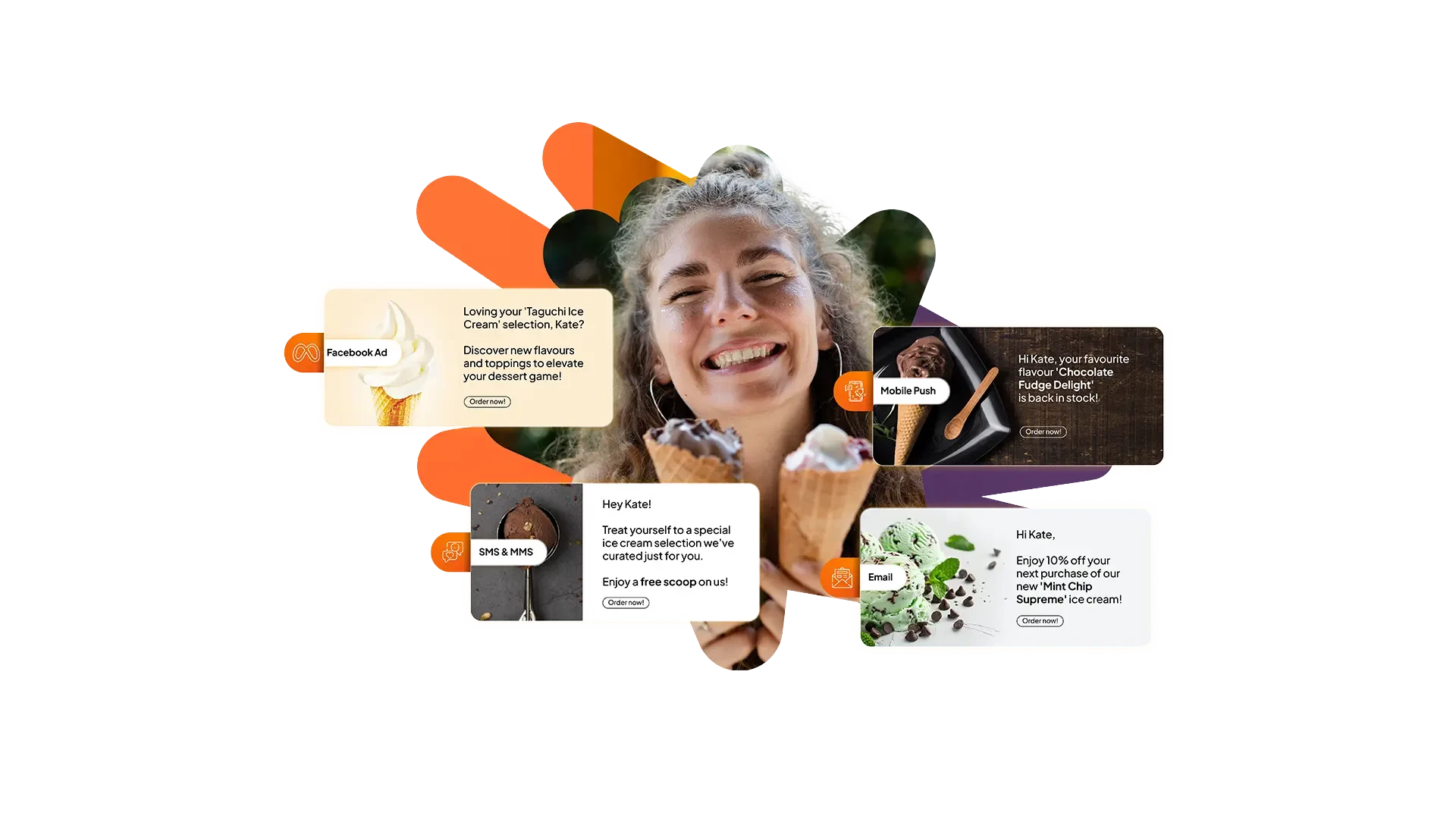
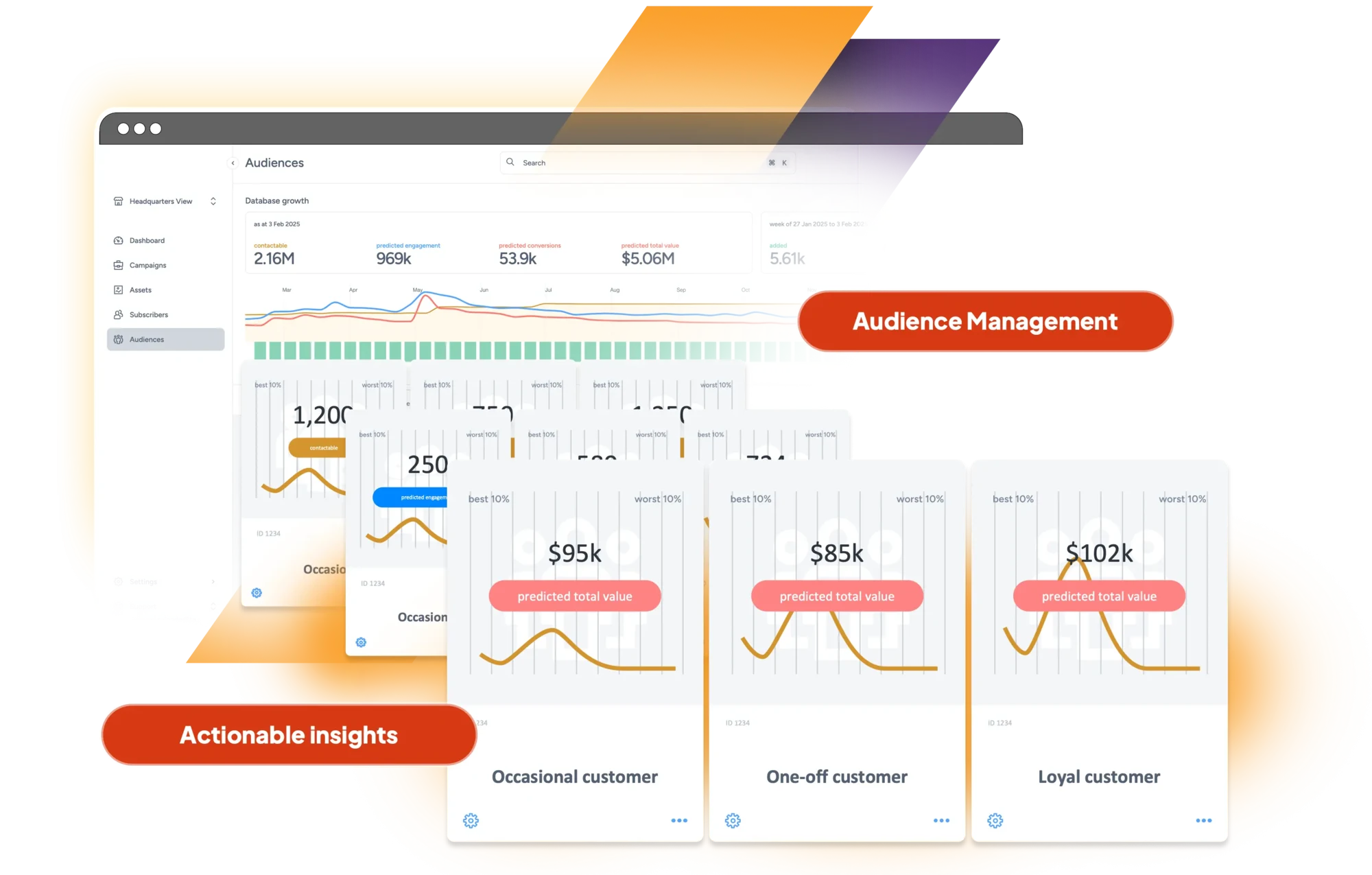
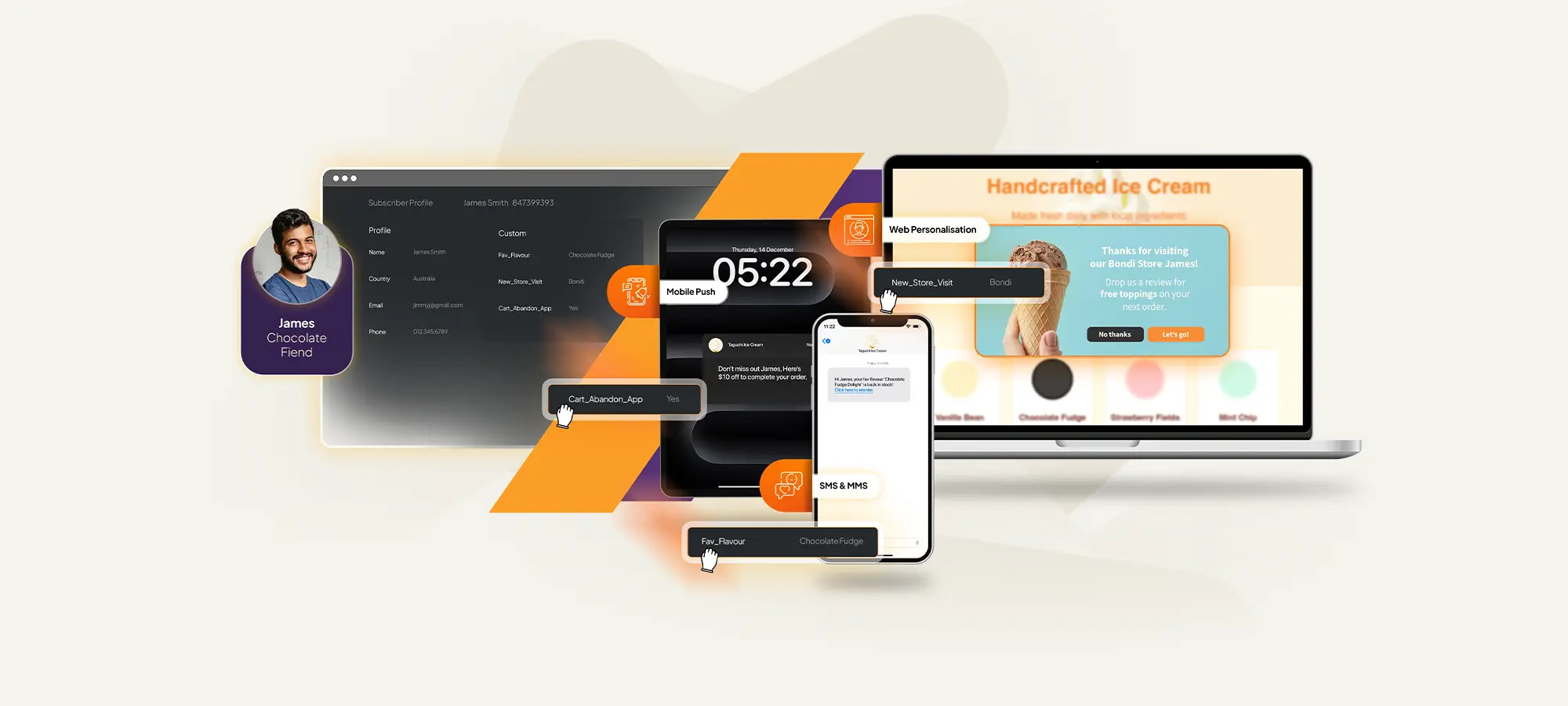
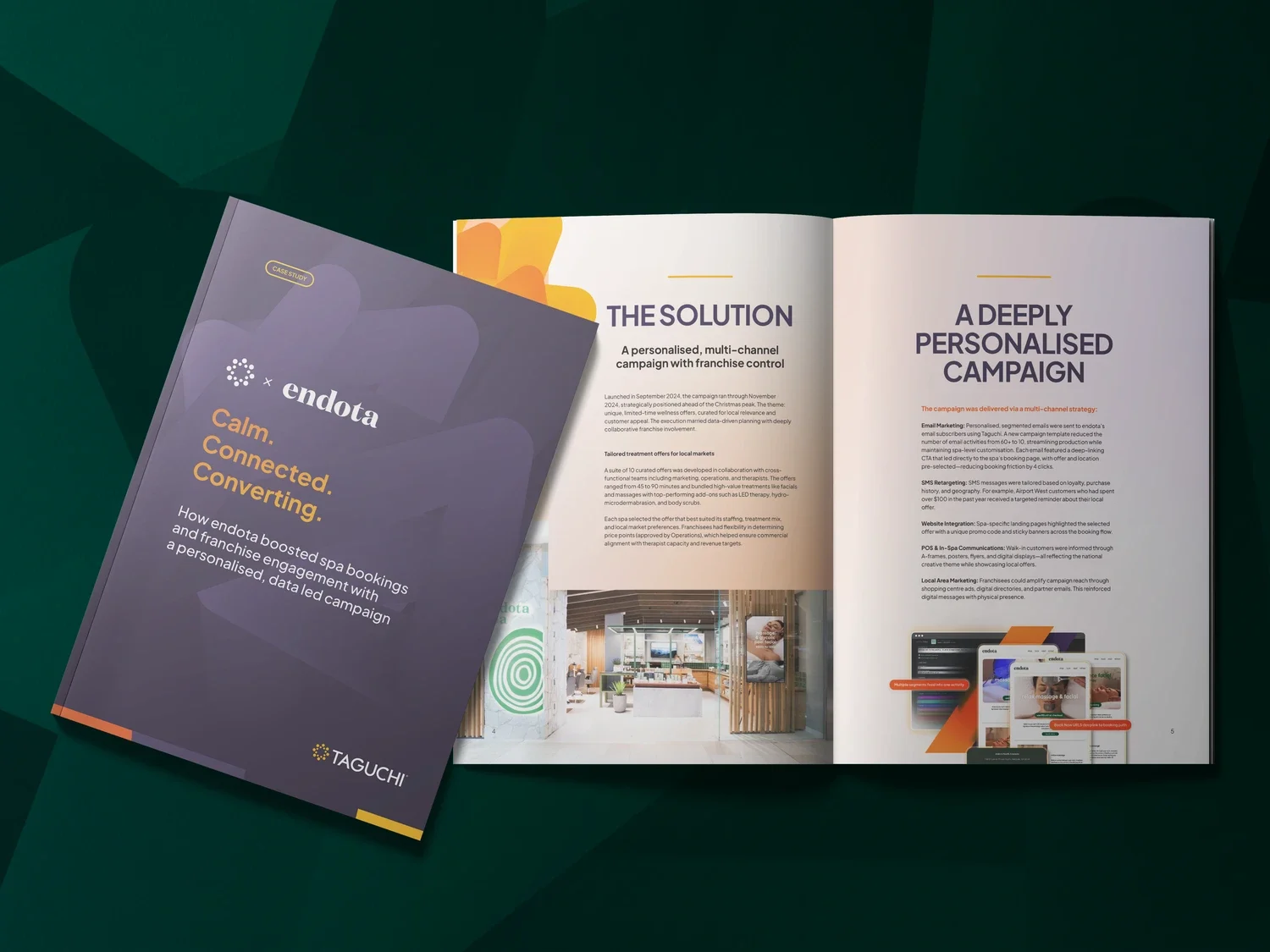

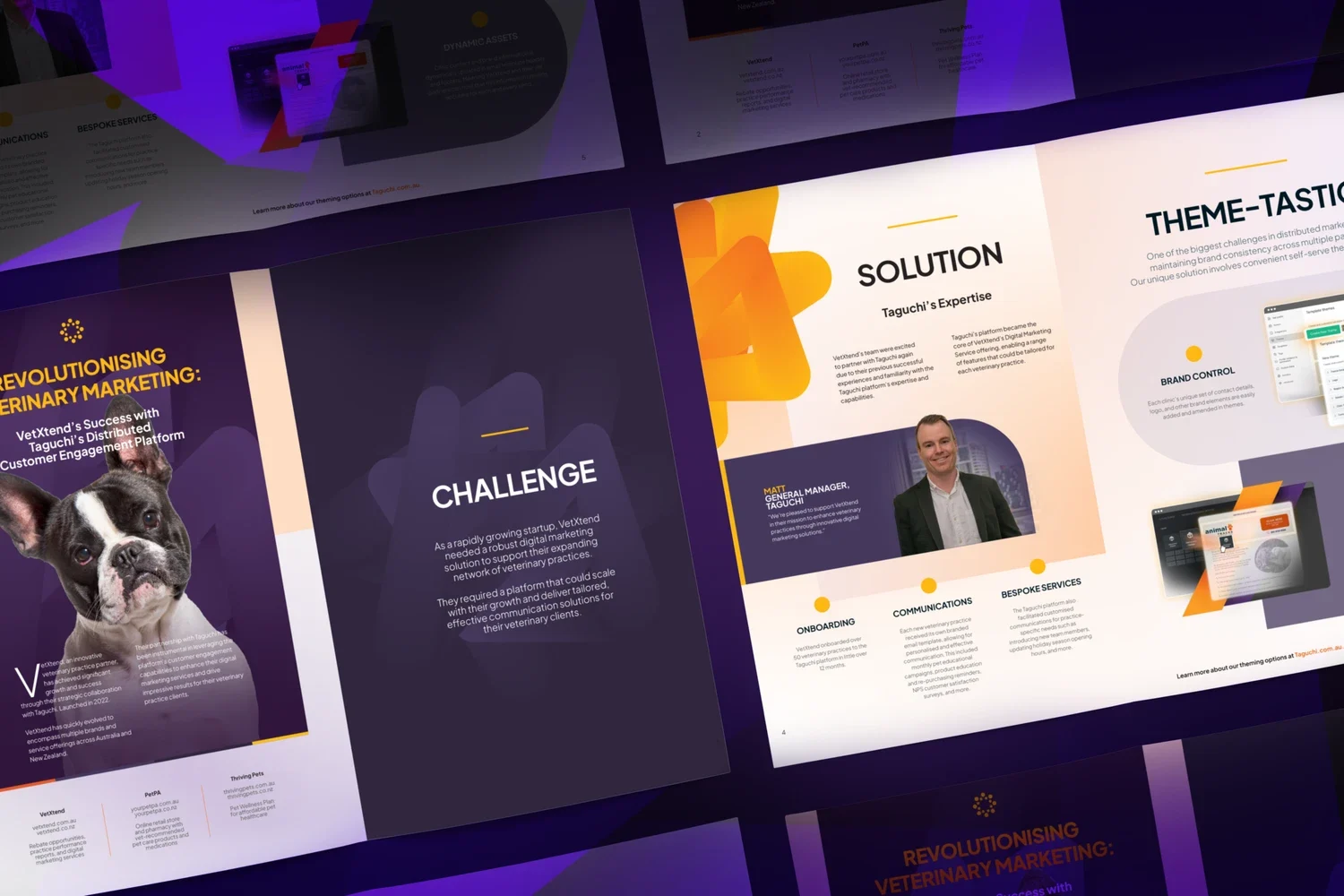
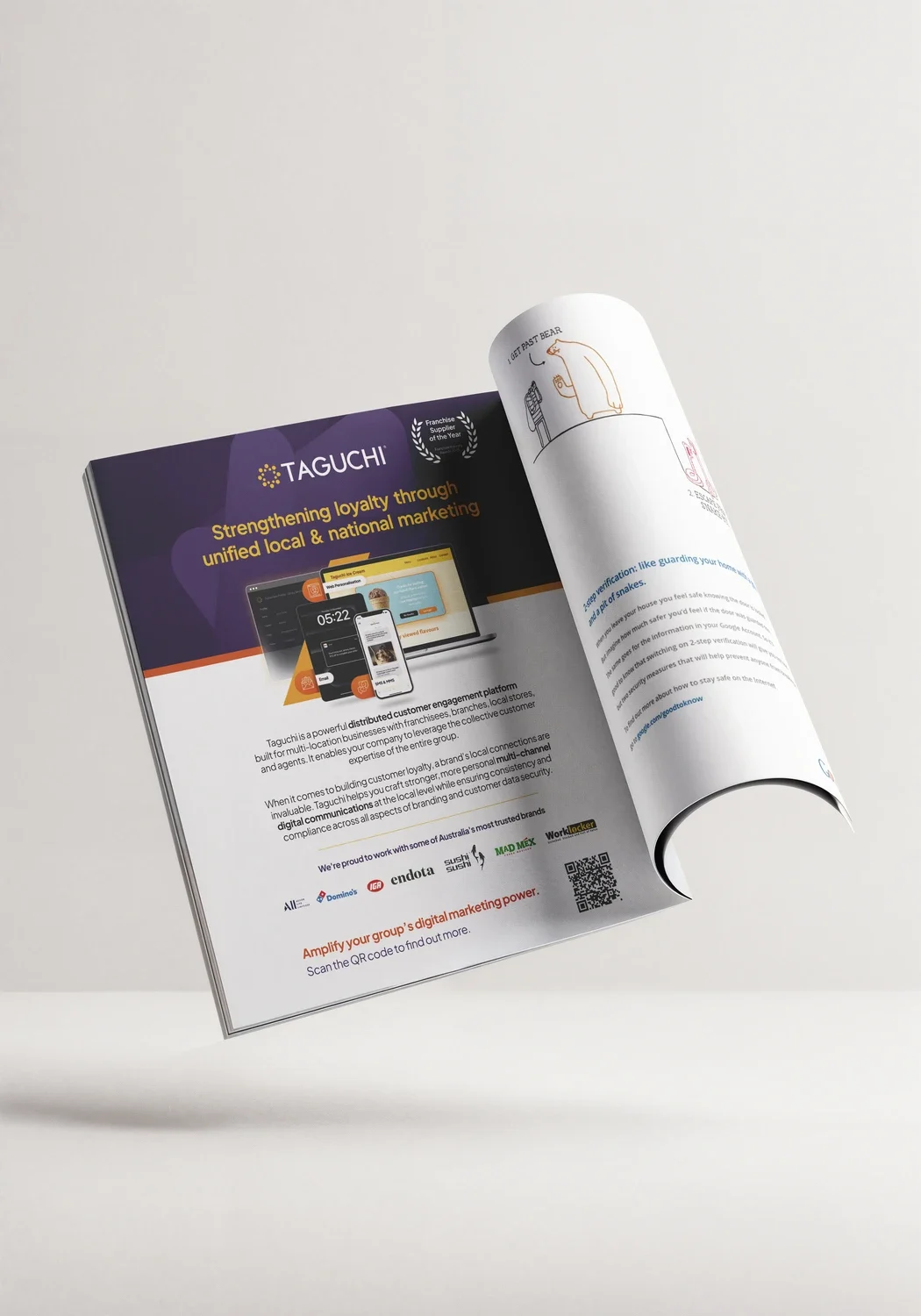
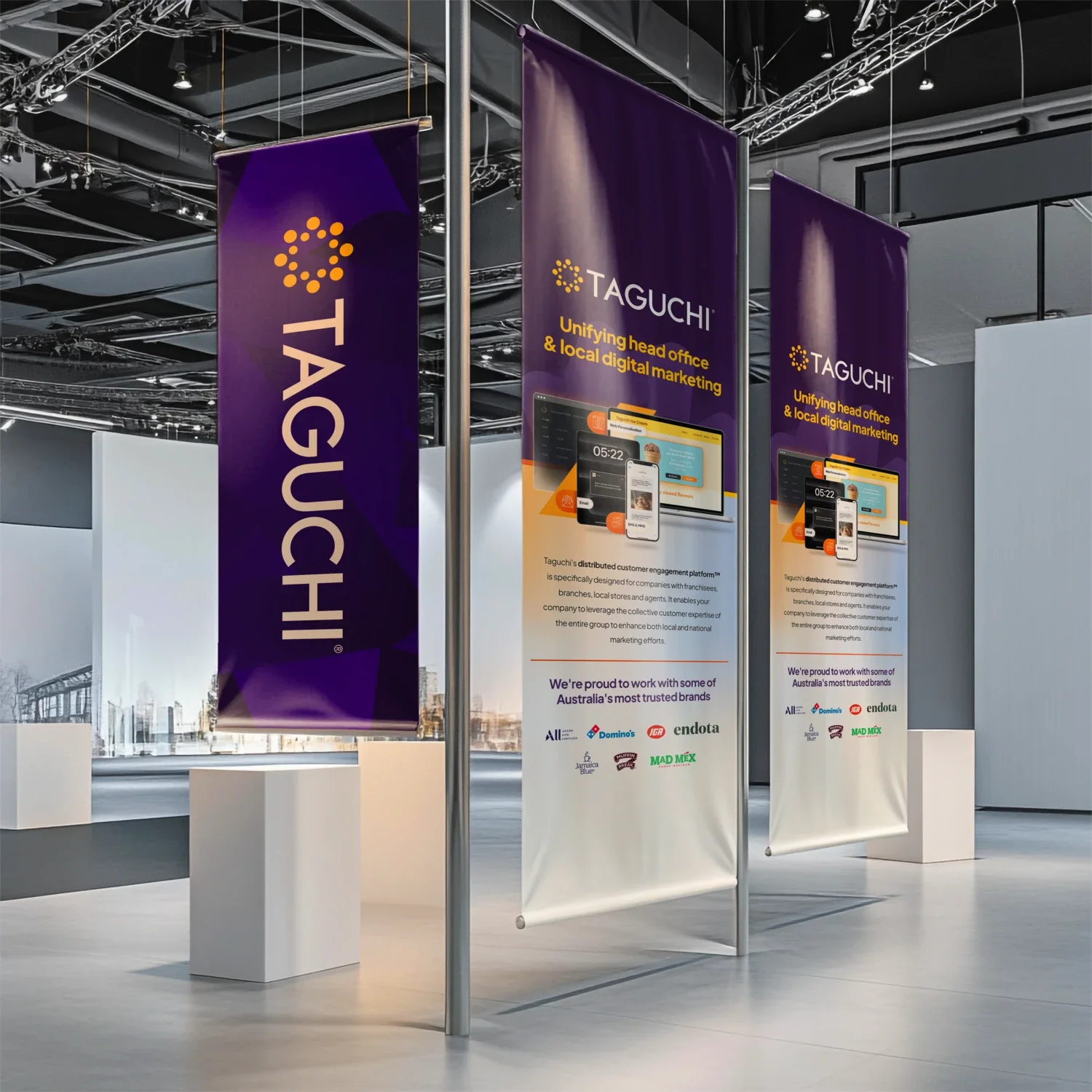



“Working with Qualls has transformed how we showcase our value to our clients.”
They took a complex product and helped us launch a website that feels intuitive, engaging and creative. Beyond the technology itself, their ability to understand our business, challenge our thinking, and translate ideas into practical solutions has been invaluable. The result is a site we’re proud of and a creative partnership we continue to rely on.
Hayley Rathbone · Taguchi

Make the craft visible again, without dumbing any of it down.
Outcomes
What changed.
- Brand refresh
- Launch narrative
- Product craft made visible
From brief to result
The thinking behind the work.
The brief
Refresh the brand without flattening the intelligence that made Taguchi distinct.
The move
A punchier digital system, animated product moments, and a site direction built for marketers who want detail, not decoration.
The result
A sharper face for a platform with a real point of view and a long runway.
For the nerds (like us)
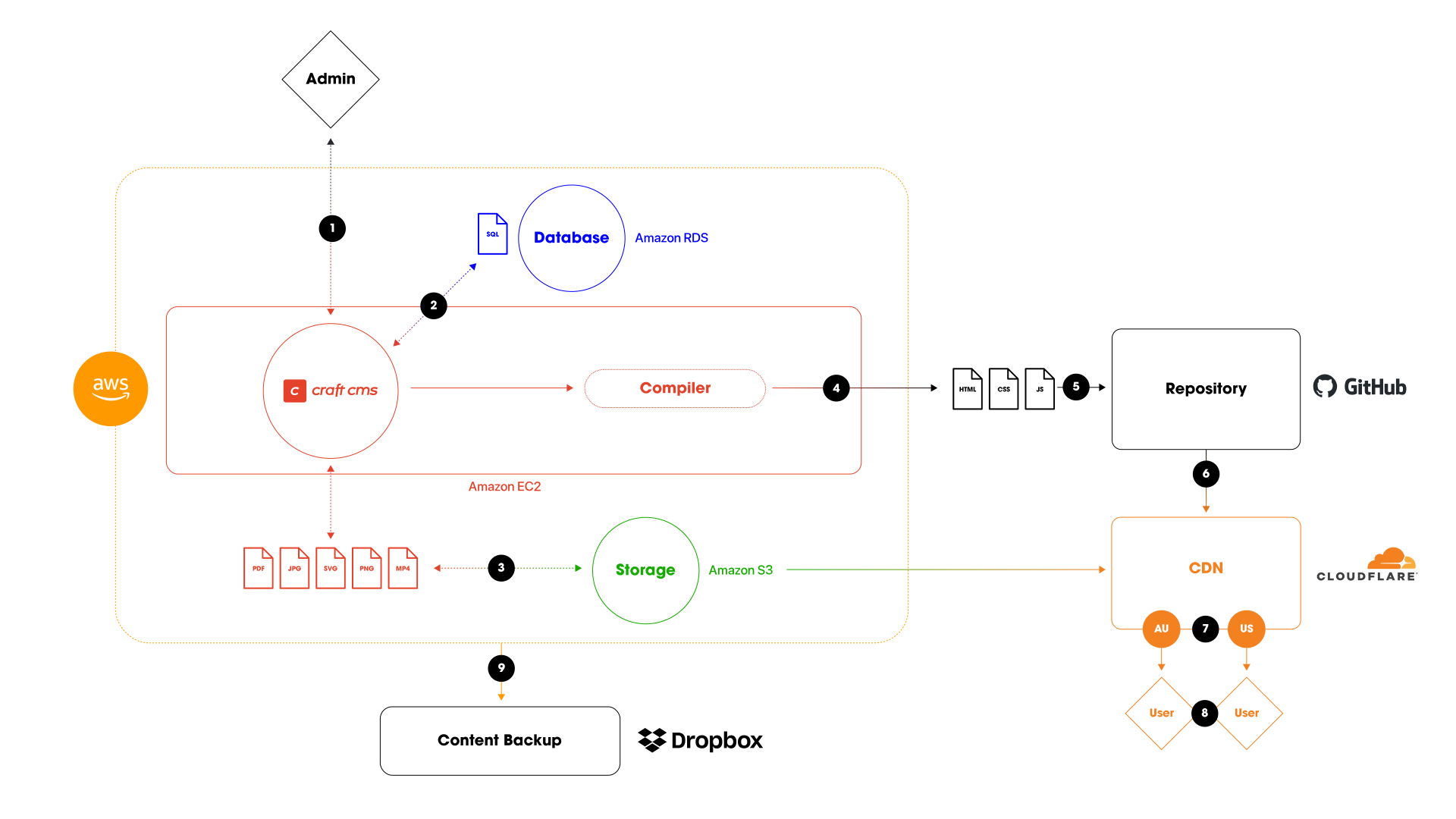
Tech stack: flow of information
- Admin manages content in the Craft CMS, which is hosted on Amazon EC2
- Content is stored in the Amazon RDS (SQL database)
- Media files are stored and optimised in Amazon S3
- Compiler generates static versions of the content
- Static files are stored in a GitHub repository
- GitHub Actions handle the automation of deploying the static files
- Static files are distributed via Cloudflare’s CDN, ensuring quick delivery to users in Australia and the United States (or other cached locations worldwide)
- End users receive the content from the nearest CDN cache, ensuring fast loading speeds and a seamless experience
- All content (data and files) is encrypted and backed up via Dropbox
This setup combines dynamic content management with static content generation for optimised performance and scalability across a global user base.
Tech stack: overview of services
Host (Amazon EC2)
- Craft CMS: The central content management system (CMS) running on AWS EC2, where administrators manage the content.
- Admin: Administrators interface with the CMS to add, update, and manage content. This action is done through a browser-based admin panel.
- SQL Database (Amazon RDS): The data that powers the content managed within the CMS is stored in a relational database on Amazon RDS.
Storage (Amazon S3)
- File Storage: Images, videos, and other media assets such as SVGs, JPGs, PNGs, PDFs, and MP4 files are stored in an optimised format on Amazon S3.
Compiler
- The Compiler converts the content managed in Craft CMS into static files (HTML, CSS, JavaScript) that are ready to be served to end users.
- Triggers: Content updates, Scheduled intervals, Manual triggers.
Repository (GitHub)
- Static Files Storage: The static HTML, CSS, and JavaScript files are stored in a version-controlled repository, GitHub.
- GitHub Actions: Automation and deployment processes are handled by GitHub Actions.
CDN (Cloudflare)
- CDN: The static files are sent to a CDN, Cloudflare, which caches the content in multiple locations worldwide.
- Geographically Distributed Users (AU and US): The CDN serves content to users based on their geographical proximity.
End Users
- AU and US Users: End users access the content via their browsers, and the content is delivered from the CDN closest to their physical location.
Why we like Craft CMS
The thinking behind the CMS underneath this relaunch.
Read the musing